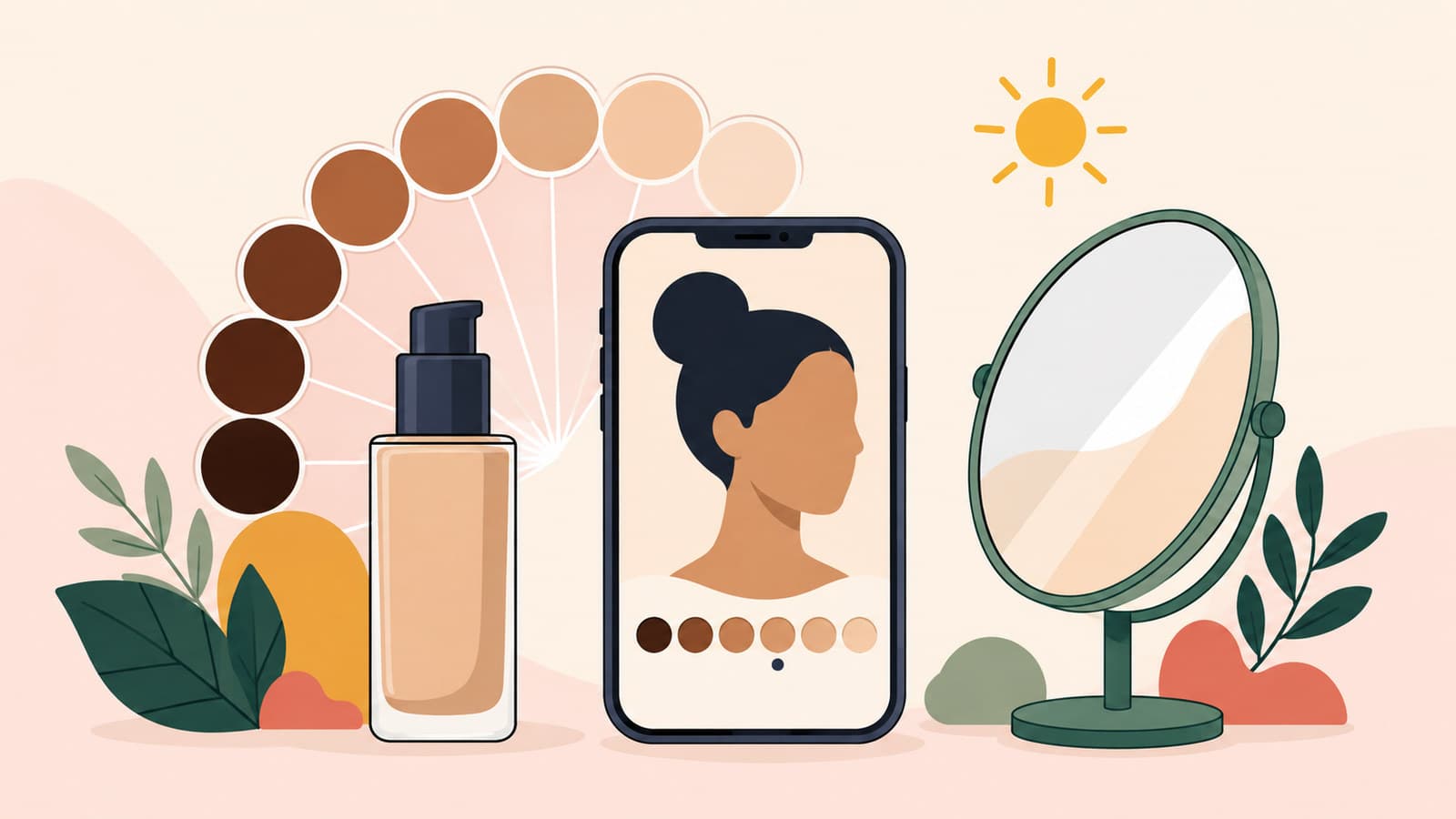
Foundation Shade Match Online Philippines: A Practical Guide
About this guide
The SulitScan editorial team prepares buyer guides using desk-researched product information, primary guidance where available, and practical pre-purchase checks. We do not claim hands-on testing unless an article explicitly says a product was tested.
In this guide
- How we assessed this guide
- Separate depth, undertone, finish, and coverage
- Build a shortlist from useful references
- Use virtual try-on only when the exact range is supported
- Verify the exact FDA notification and seller
- Control mismatch and hygiene risk before opening
- Worked online shade-match decision
- Online foundation checkout checklist
- Limitations and live-policy check
- Affiliate disclosure
Shortlist an online foundation by matching depth and undertone first, then finish, coverage, formula, and exact shade variant. Use daylight references to narrow choices. Only use a virtual tool when the current tool explicitly supports the exact foundation product range and shade, and never treat its result as a guaranteed match. Before ordering in the Philippines, verify the exact product and shade or variant, responsible company, current FDA notification record, seller, ingredients, and live hygiene-sensitive return terms.
How we assessed this guide
On 2026-09-05, we reviewed Sephora Philippines' foundation shade finder, which organizes browsing around coverage and finish, and its Virtual Artist, a general makeup try-on and comparison page. The cited Virtual Artist page does not establish foundation support. Treat it as a foundation shortlist tool only if its current interface explicitly lists the exact foundation product range and shade as supported. Camera processing, lighting, display calibration, application, and skin changes would still prevent a virtual image from proving a match.
We also reviewed the Philippine FDA Cosmetic e-Notification applicant manual. Notification data can include product variants or shade names or numbers and responsible-company details. That makes exact variant matching important; “the brand has a record” is not enough.
Consumers can use the current FDA verification portal. A 2026 FDA unauthorized cosmetic advisory also directs readers to verification. We call this notification or verification, not “FDA approval,” because those words describe different claims.
SulitScan did not apply, wear, photograph, test, or authenticate any foundation. This guide organizes evidence and mismatch risk so the reader can make a more defensible shortlist.
Separate depth, undertone, finish, and coverage
Depth is how light or deep the shade appears. Undertone is the underlying warm, cool, neutral, olive, or other directional balance used by a brand's shade system. These are descriptive matching dimensions, not rankings or judgments about skin. Avoid relying on shade names alone because names are not standardized across brands.
Finish describes the intended surface effect, such as matte, natural, or radiant; coverage describes how much the formula is designed to even or conceal. A close color in the wrong finish or coverage can still be a poor purchase for the reader's routine. Filter by formula needs only after identifying a plausible depth and undertone range.
Write a brief: current best-matching product and exact shade, where it matches on the face, desired finish, desired coverage, known ingredient sensitivities, and acceptable mismatch risk. This turns a vague color search into a comparison.
Build a shortlist from useful references
Start with the exact shade of a foundation or concealer that currently matches reasonably well. Use official cross-brand matching tools only as leads, then compare swatches from several reliable sources. Prefer images that show multiple adjacent shades, consistent application, and stated lighting or skin context.
Daylight can reveal a mismatch that indoor lighting hides, but a daylight photo is still processed by a camera and screen. Compare official shade descriptions and comparative swatches without assuming either is perfectly color-accurate. Add a virtual output only when the current tool explicitly supports the exact foundation range and shade. If sources disagree, keep two candidates rather than forcing certainty.
The Sephora PH beauty guide explains store and checkout considerations. SulitScan's Sephora PH store guide adds platform-specific checks; continue to Sephora's current product page to review the live shade selection, ingredients, and services. SulitScan does not claim that any particular foundation is currently available there.
Use virtual try-on only when the exact range is supported
Only use virtual try-on for a foundation candidate when the current tool explicitly lists the exact foundation product range and shade as supported. If the exact range or shade is not supported, skip the camera tool and use official shade descriptions, comparative swatches, or an in-person or sample route instead.
When that support condition is met, set up the tool with even light, a clean camera lens, minimal color cast, and only permissions you are comfortable granting. Compare neighboring supported shades rather than accepting the first automated result. Repeat under another ordinary lighting condition and note whether the recommendation changes.
Even for a supported foundation, virtual try-on can only help visualize relative depth or undertone and reduce a large catalog to a shortlist. It cannot reproduce oxidation, texture, coverage build, interaction with skincare, wear, or the exact color rendered on your skin. Display warmth, exposure, white balance, filters, and camera tone mapping can all shift the result.
Do not upload more personal information than the tool requires. Review the current privacy and permission notice. A virtual match is a decision aid, not authentication, skin diagnosis, or a refund guarantee.
Verify the exact FDA notification and seller
Copy the complete product name, responsible company, and exact shade or variant from the listing. Search the live FDA verification route and compare those fields. A record for another shade, format, company, or similarly named product does not establish the selected variation. Record the verification date because databases and product status can change.
Notification is not an endorsement of suitability, color match, performance, or seller authenticity. Use the cosmetic legitimacy guide to keep FDA records, seller identity, packaging evidence, batch information, ingredients, and product condition as separate checks.
Review ingredient information for your own known restrictions. This article does not diagnose allergies or recommend treatment. When a health concern or prior reaction is involved, seek appropriate professional advice rather than relying on a shade tool or marketplace description.
Control mismatch and hygiene risk before opening
Read the live return and exchange terms for the exact seller, product, and order before buying. Cosmetics can have hygiene, seal, condition, or category restrictions. Do not assume opened or swatched makeup is returnable, and do not order multiple shades with a plan to use and return the rejects unless the current seller expressly supports that process.
Before opening, match the delivered brand, product line, finish, coverage, shade name or number, size, seal, seller, and order record. Preserve the packaging and listing evidence while checking. If something is wrong, use the current official support route before applying the product.
If uncertainty remains high, choose a lower-risk route such as an in-store match, a sample where legitimately offered, or delaying the purchase. A sale or voucher does not reduce the cost of an unusable shade. Use the online review checklist to evaluate shade-specific reports without assuming another person's complexion predicts yours.
Worked online shade-match decision
Suppose a buyer knows one close current shade but wants a different finish from another brand.
- Record the known product, exact shade, depth, undertone, and where it matches best in ordinary daylight.
- Filter the new range by desired finish and coverage, then shortlist adjacent depth-and-undertone candidates using official descriptions and comparative swatches.
- Only use virtual try-on when the current tool explicitly supports the exact foundation product range and shade. Otherwise, compare official shade descriptions and comparative swatches, or use an in-person or sample route. Even a supported output cannot show oxidation, texture, or exact color.
- Match the full product, responsible company, and shade or variant against the current FDA notification record and verify the seller and ingredients separately.
- Read live return restrictions and choose one candidate only when the remaining mismatch cost is acceptable; otherwise use an in-person or sample route.
SulitScan does not currently list a foundation-specific deal. The broader makeup results page and beauty category can help compare adjacent product types, but they are not a foundation recommendation or availability claim.
Online foundation checkout checklist
- Record a known close match with its exact brand, line, and shade.
- Separate depth and undertone from finish and coverage.
- Compare adjacent shades using multiple clearly described references.
- Treat camera, lighting, display, and virtual try-on output as imperfect.
- Match the exact product and shade or variant to the live FDA record.
- Verify the responsible company, seller, ingredients, seal, and size separately.
- Read live hygiene-sensitive return and exchange conditions before ordering.
- Inspect the delivered product and variation before opening or applying.
- Avoid buying multiple shades on an assumed opened-product return.
- Choose in-person matching, a legitimate sample, or no purchase when uncertainty is too high.
Limitations and live-policy check
This guide was reviewed on 2026-09-05. Shade ranges, formulas, images, virtual tools, notification records, sellers, availability, and return rules can change. The exact current brand page, seller listing, FDA verification result, packaging, and checkout terms are authoritative for a specific product.
SulitScan cannot see a reader's skin, calibrate their camera or display, predict oxidation or wear, verify a delivered cosmetic, or guarantee a shade match or return. This is not medical or dermatological advice.
Affiliate disclosure
SulitScan may earn a commission when a reader follows an eligible partner link and completes a purchase, at no extra cost to the reader. SulitScan does not sell, test, certify, authenticate, or guarantee the products or outcomes. A commission does not make a notification an approval or make a virtual shade match certain. See the full Affiliate Disclosure.
Frequently asked questions
Can a virtual try-on guarantee my foundation shade?
No. It can narrow a shortlist, but lighting, camera processing, display differences, application, oxidation, and skin changes prevent a guaranteed match.
Does an FDA cosmetic notification mean the foundation is approved for me?
No. Verify the exact product and shade or variant in the current record, but do not call notification an approval, personal-suitability decision, or performance endorsement.
Can I return foundation after opening it to test the shade?
Do not assume so. Check the exact seller's live hygiene, seal, condition, and category rules before ordering or opening the product.
Tags
Get weekly sulit finds in your inbox
Shopping tips, price-check reminders, and the best deals, free.
More shopping guides

Explore SulitScan