Best Work-From-Home Desk Accessories Under ₱1,000 Philippines
About this guide
The SulitScan editorial team prepares buyer guides using desk-researched product information, primary guidance where available, and practical pre-purchase checks. We do not claim hands-on testing unless an article explicitly says a product was tested.
In this guide
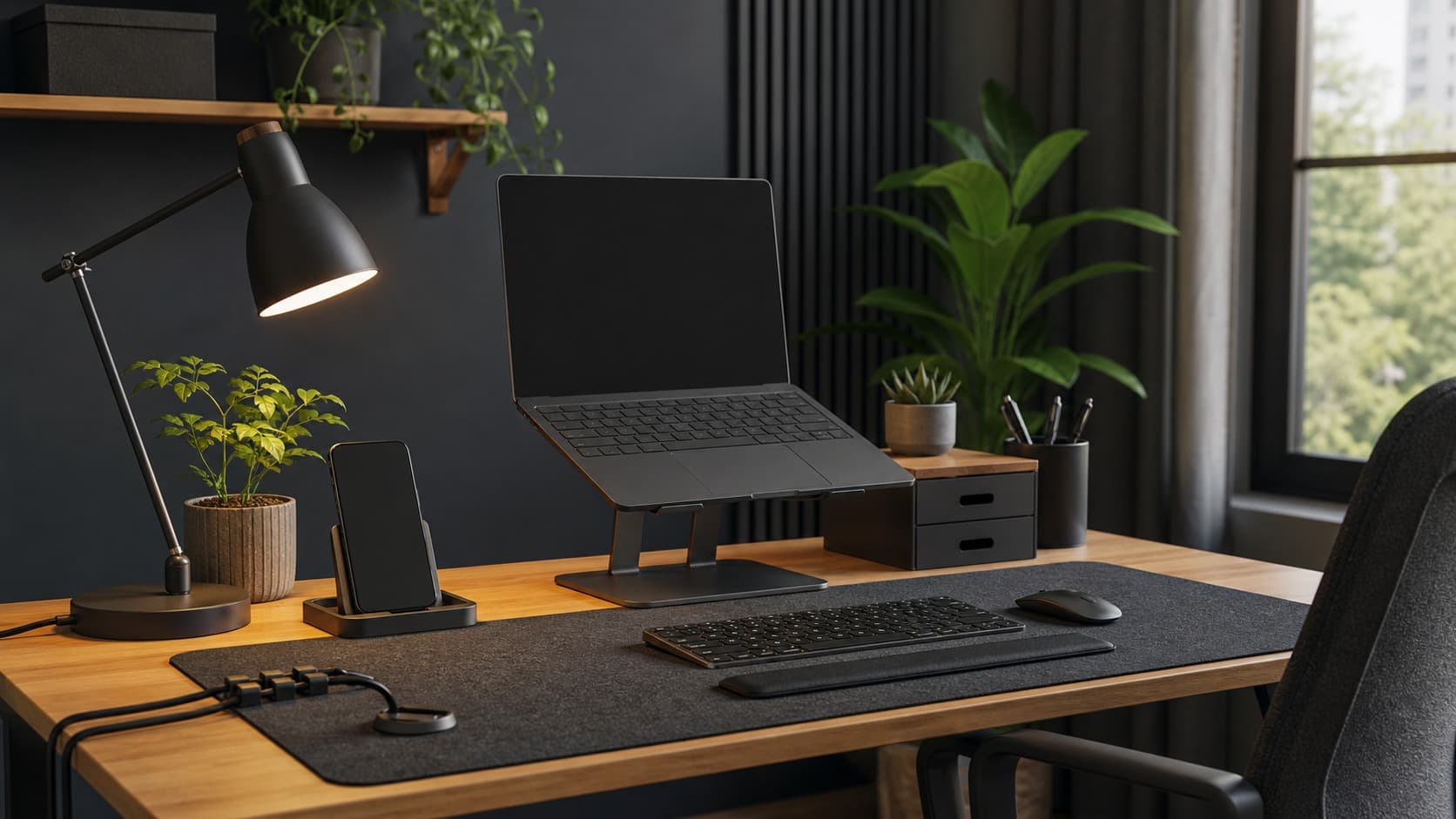
Work-from-home desk accessories under 1,000 pesos are worth checking when they fix a specific problem: a low screen, uneven lighting, tangled cables, or a crowded work surface. Start with your desk dimensions and daily discomfort, not a styled setup photo. A stand, lamp, cable clip, or organizer only helps when it fits your equipment and supports a repeatable working position.
Quick answer
Non-electrical accessories such as laptop stands, phone stands, desk mats, cable clips, and small organizers are practical categories within this budget. Measure first, check weight and compatibility, and read recent reviews. For lamps, chargers, adapters, and power strips, verify specifications and safety information, prefer accountable sellers, and never overload an outlet. Confirm the final checkout price and return policy because listings and vouchers can change.
Stands
A laptop stand can raise the screen and free some desk space. Check the supported device width, stated load, base dimensions, adjustment range, and whether the hinge stays firm in long-term reviews. Ventilation matters for laptops, so avoid designs that cover intake vents. A stand does not replace an external keyboard and mouse when raising the laptop makes typing uncomfortable.
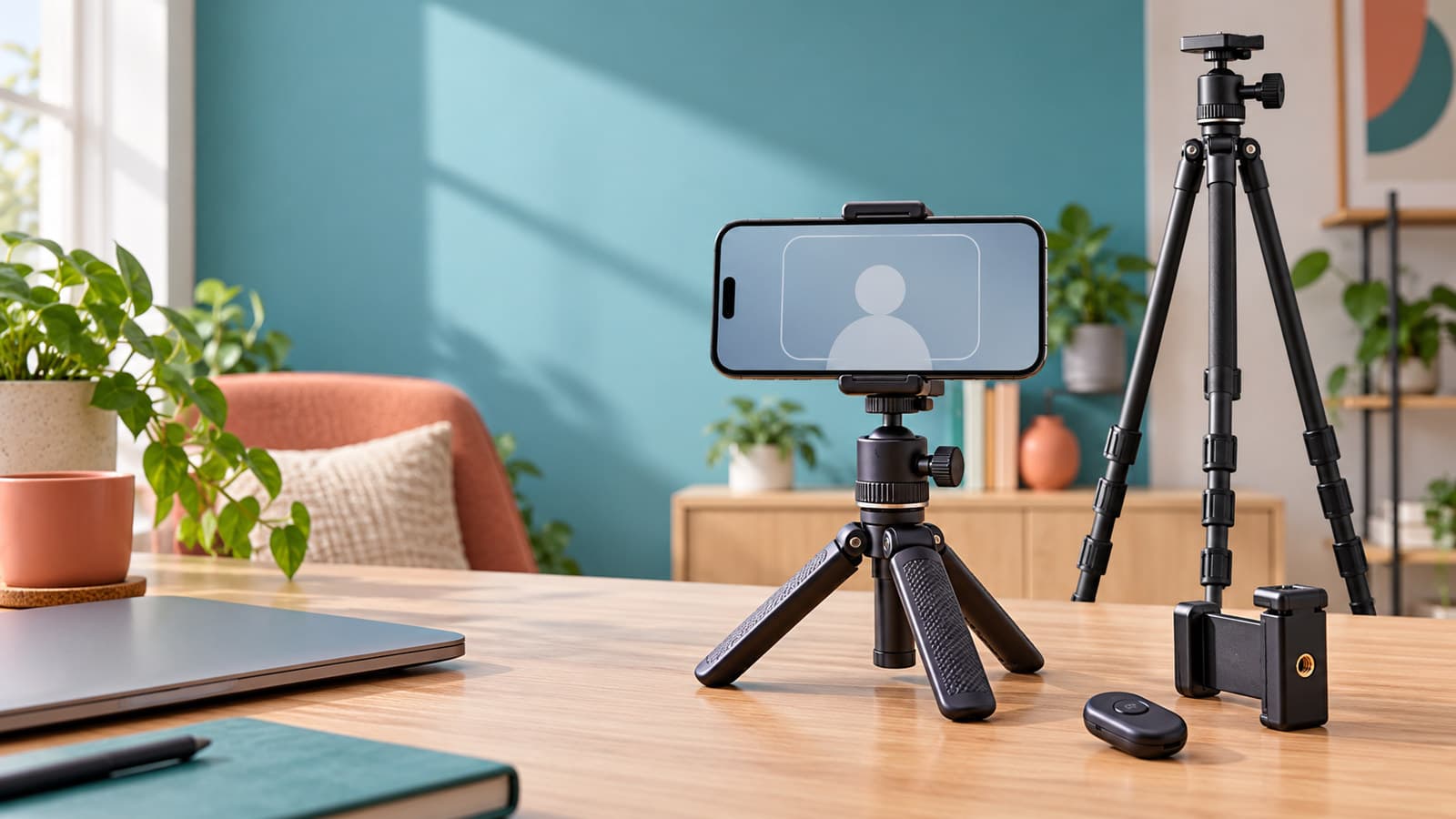
A phone stand is lower-risk but still needs a stable base and enough room for your phone with its case. If you join video calls, check the viewing-angle range. For tablets, confirm the stand is rated for the larger weight and will not tip when you touch the screen.
Lighting
Place task lighting so it brightens documents or the keyboard without reflecting directly on the screen. A lamp with adjustable height or angle is easier to position than one with a fixed neck. Check base size, switch location, power method, bulb compatibility, and reviews about flicker or heat.
Color modes and touch controls may be convenient, but they do not compensate for vague electrical specifications. If a listing omits input voltage, rated power, plug type, or warranty information, skip it. Keep lamps away from curtains, paper piles, and liquids, and follow the manufacturer's use instructions.
Cable management
Adhesive cable clips, reusable ties, under-desk trays, and cable sleeves can reduce tangles. Count the cables and measure the thickest plug before choosing a product. An under-desk tray needs enough knee clearance and a mounting method suitable for the desktop material.
Do not bundle power cords so tightly that heat cannot escape, and do not sharply bend charging cables at the connector. Adhesive products may damage painted or laminated surfaces, so read removal instructions and reviews for surfaces similar to yours.
Organizers
Small drawer units, monitor risers with storage, pen trays, and document holders can keep frequently used items reachable. Choose an organizer based on what must fit inside it. Measure notebooks, headphones, chargers, and stationery rather than guessing from a listing photo.
Check whether drawers open fully within the available depth and whether a riser leaves enough screen height and keyboard space. Thin plastic may suit light stationery but not a monitor. For any product carrying equipment, follow the stated load limit and review buyer photos for flexing or uneven feet.
Browse home finds for storage helpers and tech deals for device-related accessories.
Electrical accessory caution
Power strips, extension cords, chargers, adapters, and USB hubs deserve more scrutiny than a desk mat or tray. Confirm the input and output ratings, plug compatibility, cable length, protection features stated by the manufacturer, and any certification information shown in the listing. Read reviews about heat, intermittent power, loose sockets, and seller support over time.
Do not daisy-chain extension cords or power strips. Do not exceed the rated load. Replace an item that becomes unusually hot, smells burnt, sparks, crackles, or has a damaged cable. If the listing is unclear, ask the seller or choose a product with traceable specifications and local support. A low price is not a substitute for electrical safety.
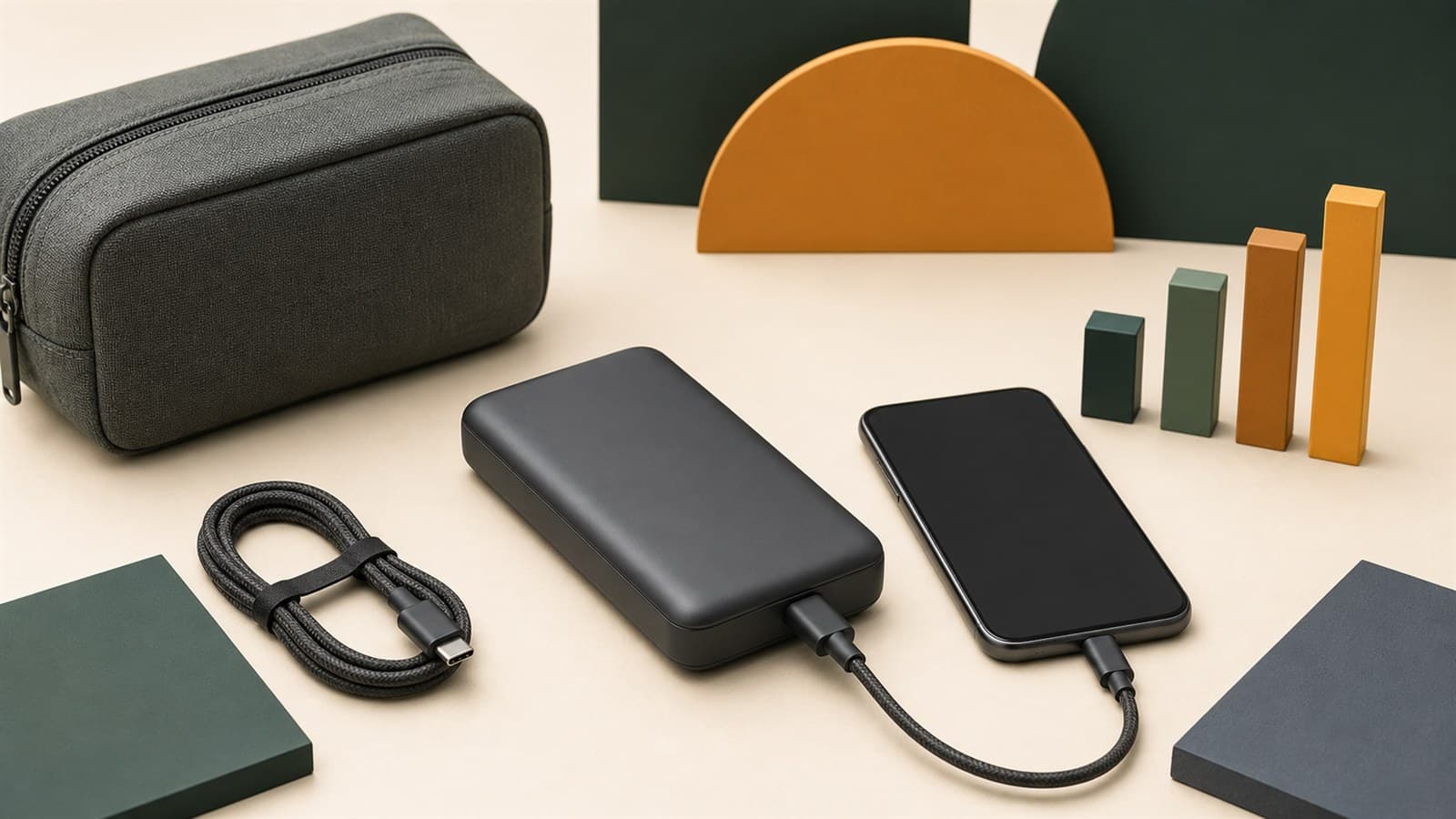
For chargers and battery-related products, read our phone accessories under 500 guide before ordering.
Ergonomic measurements
Desk accessories should support a neutral position rather than force your body to adapt. When seated, aim to keep shoulders relaxed, elbows near your sides, and wrists roughly straight. Position the top portion of the screen around eye level if comfortable, and keep the screen far enough away that text is readable without leaning forward.
Measure the seated elbow height, current screen height, keyboard depth, and available desk width. If a stand raises a laptop, budget space for a separate keyboard and pointing device. Comfort varies by person and health needs; persistent pain, numbness, headaches, or vision strain deserves advice from a qualified professional rather than another accessory.
Shopee vs Temu
Compare equivalent materials, dimensions, load ratings, and electrical specifications. A lower item price on one platform may be offset by shipping, a basket threshold, or a return process that does not suit a bulky item. Items under 1000 can help you browse by budget, but the current partner-store checkout is the source for the amount you will pay.
On either marketplace, read recent reviews for the exact variation, confirm dispatch and delivery estimates, and check the return route for defective or incompatible items. Add item price, shipping, and fees, then subtract only vouchers that apply. Recheck the seller and final amount before payment because prices and terms can change.
Checklist
- Identify one desk problem to solve before browsing.
- Measure the desk, equipment, clearance, and cable lengths.
- Confirm compatibility, material, adjustment range, and load rating.
- For electrical items, verify ratings, plug type, safety information, and seller support.
- Read recent reviews for the exact variation and long-term use.
- Calculate the final cost with shipping and real vouchers.
- Check the return process for defects, damage, or incompatibility.
- Stop using any electrical accessory that shows signs of overheating or damage.
Related deals
Browse tech deals, home finds, and items under 1000 for desk-friendly categories. The phone accessories under 500 guide adds checks for chargers, cables, stands, and power banks.
Using the setup for remote job applications?
Good lighting, clear audio, and a stable desk can help you show up well for online interviews. The equipment does not replace a clear, role-specific CV, though. Before sending an application, you can use ApplyReadyCV to check whether your CV is readable by applicant-tracking systems. ApplyReadyCV is SulitScan's sister site, not an affiliate product.
Affiliate disclosure
SulitScan may earn a commission when you click a partner link and complete a purchase, at no extra cost to you. We do not physically test every accessory and do not provide electrical or medical certification. Prices, specifications, seller reviews, stock, delivery estimates, and return rules can change. Confirm the listing and follow manufacturer safety instructions. See our full Affiliate Disclosure.
Frequently asked questions
What desk accessories under 1,000 pesos are worth checking?
Laptop and phone stands, desk mats, cable clips, document holders, and small organizers are practical categories when their measurements and load ratings suit your setup.
What should I check before buying a laptop stand?
Confirm device width, stated load, base dimensions, adjustment range, ventilation, and hinge stability in recent reviews. Consider a separate keyboard and mouse if the raised position makes typing awkward.
Are cheap power strips and desk lamps safe?
Price alone cannot establish safety. Check electrical ratings, plug compatibility, safety or certification information shown, seller history, warranty or return support, and reviews about heat or faults. Never overload or daisy-chain power strips.
How should I compare Shopee and Temu desk accessories?
Compare the same dimensions, materials, load ratings, and specifications, then calculate the final total with shipping and only applicable vouchers. Also compare delivery and return terms.
Can a desk accessory fix persistent back or wrist pain?
An accessory may help adjust a setup, but persistent pain, numbness, headaches, or vision strain should be discussed with a qualified professional. Comfort and health needs differ by person.
Tags
Ordering from overseas? Use ImportTaxPH to estimate possible customs duty, VAT, and total landed cost before you buy.
Our free sister tool, estimates only, not a Bureau of Customs assessment.
Get weekly sulit finds in your inbox
Shopping tips, price-check reminders, and the best deals, free.
More shopping guides
Explore SulitScan