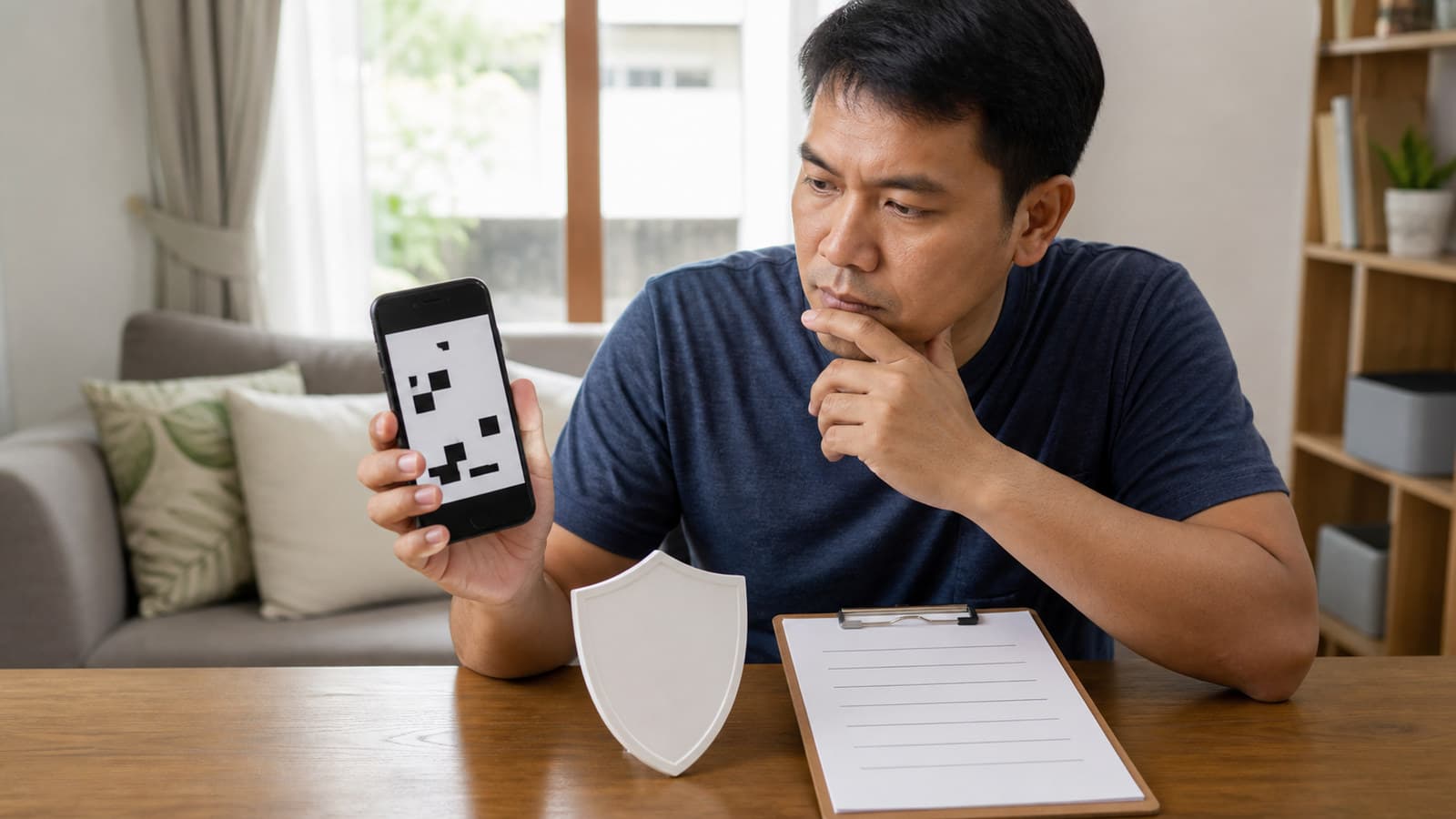
Fake QR Code Payment Scams Philippines: Checks Before You Scan
About this guide
The SulitScan editorial team prepares buyer guides using desk-researched product information, primary guidance where available, and practical pre-purchase checks. We do not claim hands-on testing unless an article explicitly says a product was tested.
In this guide
- How we assessed this guide
- Why a QR image cannot prove legitimacy
- Use seven checks before any scan or payment
- Keep the marketplace order and payment trail together
- Respond according to what already happened
- Worked suspicious-QR response
- Preserve useful evidence without spreading the code
- QR payment safety checklist
- Limitations and live-policy check
- Affiliate disclosure
Do not scan or pay through a QR code sent by an online seller outside the marketplace's official checkout. Stop, verify the request through an independently opened official channel, and keep Shopee payments on-platform; a familiar logo or convincing preview cannot establish that a code is legitimate.
If you already scanned, separate what happened—opening a page, entering credentials, installing something, or completing a transfer—because each event needs a different response. Act quickly, preserve evidence, and use verified contact details rather than replying to the suspicious sender.
How we assessed this guide
On 2026-08-09, we reviewed Shopee Philippines' scam guidance. It says Shopee will not ask users to send money outside its platform, advises against scanning codes from messages, and tells buyers to complete marketplace transactions in the app. Its QR-scam example describes a supposed seller moving a buyer to another messaging channel and sending a false payment code.
We also reviewed the BSP Verifier and fraud guidance. BSP defines quishing as malicious QR codes used to lead people to false sites, collect information, or cause malware downloads. BSP says report first to the bank or e-money issuer when a suspicious financial transaction is involved; its complaint path asks for the financial institution's report reference.
A July 2026 Philippine News Agency report provides current public-warning context, but it does not replace Shopee's transaction rules, the bank's incident process, or BSP instructions. Policies and contact routes can change, so reopen the official pages when acting.
Why a QR image cannot prove legitimacy
A QR code is only a compact way to encode data. Its printed appearance does not tell you whether the destination is honest, whether a recipient account belongs to the claimed seller, or whether the amount matches your order. Criminals can place a malicious code over a genuine one, copy official-looking colors, or send an image beside a believable story.
Visual inspection alone cannot prove a QR code, destination, or recipient is legitimate. A phone preview may help expose an obvious unrelated domain, but a similar spelling, shortened address, redirect, or compromised legitimate page can still mislead. Do not treat the scanner's check mark, a sender name, or a marketplace logo as authorization to pay.
The strongest check is transaction context. Did you initiate an order in the official app? Does the app show the same seller, item, amount, and payment step? Did you reach support by opening the official app yourself? If a message asks you to bypass that trail for a special discount, refund, release fee, or account fix, stop.
Use seven checks before any scan or payment
Apply these checks to the request without opening its code:
- Source: Was the request expected, and did it arrive through the official order or support flow you opened yourself?
- Destination: Can you independently navigate to the required action in the official app instead of scanning?
- Recipient: Does live checkout identify the authorized payment route? A name beside a code is not proof by itself.
- Amount: Does the amount match the order total currently displayed, with no unexplained release or verification fee?
- Order state: Does My Purchases show a real unpaid order or support case corresponding to the message?
- Credentials: Does the page request a password, OTP, PIN, card security code, remote access, or installation? Stop if it does.
- Independent confirmation: Can official customer service, reached from the app or typed official site, confirm the request without using links supplied by the sender?
For a marketplace purchase, an independently opened checkout is safer than trying to authenticate a code image. Use the general online-shopping safety guide for account, seller, and payment habits that support these checks.
Keep the marketplace order and payment trail together
Shopee payments must stay on-platform through the controls Shopee provides for the live order. Do not transfer to a personal bank or e-wallet account because a supposed seller offers a private discount, says checkout is broken, or asks you to cancel first. Moving the transaction outside the platform separates payment from the order record you may need for support.
Check the seller independently with the Shopee seller legitimacy workflow. A good seller profile does not validate a code sent from a compromised account, and a registration badge does not validate a payment recipient. If a badge is displayed, the DTI Trustmark and BIR seal guide explains how to verify the official domain while keeping registration separate from product and payment judgment.
Never share an OTP, marketplace password, ShopeePay PIN, full card details, or device access in response to a code-linked page. A person who already has a convincing order detail may still be attempting account takeover or payment diversion.
Respond according to what already happened
If you only received the image, do not scan it. Save the message, sender identifier, date, and order context; then report the account or message through the platform's current route.
If you scanned but did not enter anything, close the page. Do not download a file or grant permissions. Check the browser download list and device permissions, update the operating system and security tools, and monitor the relevant accounts. Do not revisit the link merely to create more evidence.
If you entered a password, PIN, OTP, card information, or recovery data, use a clean device and independently opened official channel to secure the affected account. Change reused credentials, revoke unfamiliar sessions where possible, contact the bank or e-money issuer, and monitor transactions. Tell support exactly what data was entered and when.
If money moved, immediately contact the bank or e-money issuer using the number in its official app, website, or the back of the physical card—not a number in the suspicious message. Ask for an incident reference and follow its evidence instructions. Report the related marketplace account through official support and consider the current police or cybercrime reporting route for the circumstances.
Worked suspicious-QR response
Suppose a buyer with a real Shopee order receives a chat-app message claiming the seller must cancel the order and accept a QR payment to preserve a discount.
- Do not scan the image. Open Shopee independently, check My Purchases, and confirm that the existing order and official payment state do not request the outside transfer.
- Save the sender profile, message, image, time, claimed amount, and matching order context without forwarding sensitive account data. Report the seller request through Shopee's current customer-service path.
- If the buyer already opened the QR destination but entered nothing, close it, check downloads and permissions, and monitor accounts. If credentials were entered, secure those accounts from a clean route and inform the relevant provider.
- If a transfer was completed, contact the bank or e-money issuer first, obtain the report reference, and provide accurate transaction evidence. Then follow the marketplace and appropriate authority reporting routes.
- Do not negotiate with the sender or pay a second fee said to unlock, verify, or recover the first transfer.
Recovery or reversal is not promised. Speed and complete evidence can help a provider assess the incident, but the result depends on transaction status, provider rules, recipient movement, investigation, and applicable process.
Preserve useful evidence without spreading the code
Keep original screenshots of the message thread, sender profile, QR image, displayed destination preview, order page, transaction record, and support reference. Record the date and time, amount, recipient details shown by the financial app, and a short factual timeline. Preserve original files rather than editing the only copy.
Do not post a scannable code, full transaction number, phone number, address, account balance, card detail, OTP, or identity document publicly. Share evidence only through verified provider, platform, or authority channels. If you warn family members, describe the tactic or use a safely redacted image instead of circulating an active payment or malicious code.
An incident note should distinguish what you observed from what you infer. Write “the destination requested my password” rather than declaring who operated it unless an authority has confirmed that fact.
QR payment safety checklist
- Confirm that you initiated a real order or support request in the official app.
- Refuse any seller request to move a Shopee payment outside the platform.
- Open the official app or type the official address instead of scanning a message-sent code.
- Compare the live order, amount, seller, and payment state independently.
- Stop if a page requests an OTP, PIN, password, card security data, installation, or remote access.
- Confirm suspicious requests with support reached through an official channel you opened yourself.
- Preserve the message, sender, code image, destination preview, order context, and time.
- If credentials were exposed, secure the affected accounts from a clean route.
- If money moved, report first to the bank or e-money issuer and keep the reference number.
- Do not pay a second supposed recovery, release, or verification fee.
The fake COD parcel guide covers a related household problem in which a payment request arrives at the door rather than through a code.
Limitations and live-policy check
This guide was reviewed on 2026-08-09 and cannot inspect a reader's code, device, sender, financial account, or transaction. Scanner previews, malware warnings, recipient names, and institution listings are useful signals, not guarantees. Shopee, bank, e-money issuer, BSP, and law-enforcement processes can change.
Use the official app and current provider contacts for the specific event. Do not delay an urgent financial report while trying to identify the scammer yourself. This guide does not promise account recovery, transfer reversal, reimbursement, investigation outcome, or legal remedy.
Affiliate disclosure
SulitScan may earn a commission when a reader follows an eligible partner link and completes a purchase, at no extra cost to the reader. No commission justifies leaving a marketplace's official payment flow. We do not process payments, investigate scams, or recover funds. See our full Affiliate Disclosure.
Frequently asked questions
Can I tell whether a payment QR code is safe by looking at it?
No. Visual inspection and a destination preview may expose obvious problems, but they cannot prove legitimacy. Verify the request through an independently opened official app or channel and keep marketplace payments on-platform.
What should I do first after a suspicious QR payment?
Contact the bank or e-money issuer through its verified app, website, or card number, report the transaction, and keep the reference. Also preserve evidence and report the related marketplace account through official support.
Does quick reporting guarantee that a QR transfer will be reversed?
No. Quick, accurate reporting is important, but recovery or reversal depends on the transaction and provider process and is not promised.
Tags
Get weekly sulit finds in your inbox
Shopping tips, price-check reminders, and the best deals, free.
More shopping guides
Explore SulitScan