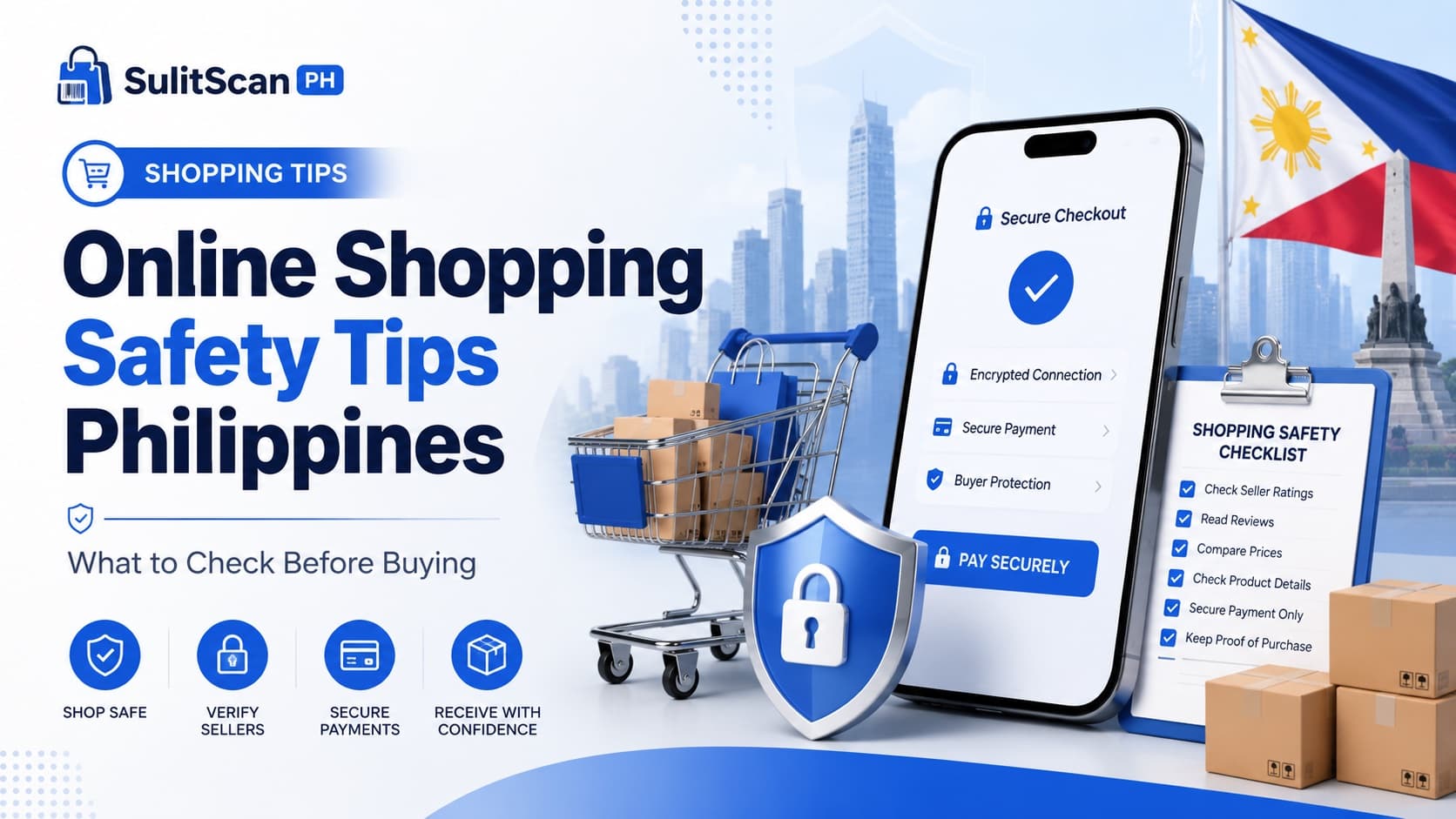
Online Shopping Safety Tips Philippines: What to Check Before Buying
About this guide
The SulitScan editorial team prepares buyer guides using desk-researched product information, primary guidance where available, and practical pre-purchase checks. We do not claim hands-on testing unless an article explicitly says a product was tested.
In this guide
Online shopping in the Philippines is convenient and often cheaper than buying in store, but it also attracts scams, fake listings, and misleading discounts. This guide covers practical safety checks every Filipino shopper can use to buy with confidence, whether on Temu, Sephora PH, or any other platform.
What's in this guide
- Verify the store and seller
- Read reviews the right way
- Spot fake discounts
- Protect your payment and data
- Understand shipping and returns before paying
- Red flags to walk away from
- What to do if something goes wrong
Verify the Store and Seller
Before buying, confirm you are dealing with a legitimate store:
- Prefer authorized retailers for branded goods. For premium beauty, buy from an authorized retailer like Sephora PH rather than an unknown marketplace seller.
- Check the seller's history. On marketplaces, look at how long the seller has operated, their rating, and their number of completed orders.
- Be cautious of brand-new sellers offering flagship products at prices far below everyone else.
Read Reviews the Right Way
Star ratings alone can mislead. Dig deeper:
- Filter for reviews with photos from real buyers, these reveal true size, color, and quality.
- Read the middle and negative reviews, not just the five-star ones. Patterns in complaints (runs small, arrived damaged, not as pictured) are the most useful signal.
- Be wary of listings with only generic, repetitive praise and no detail, these can be padded.
Spot Fake Discounts
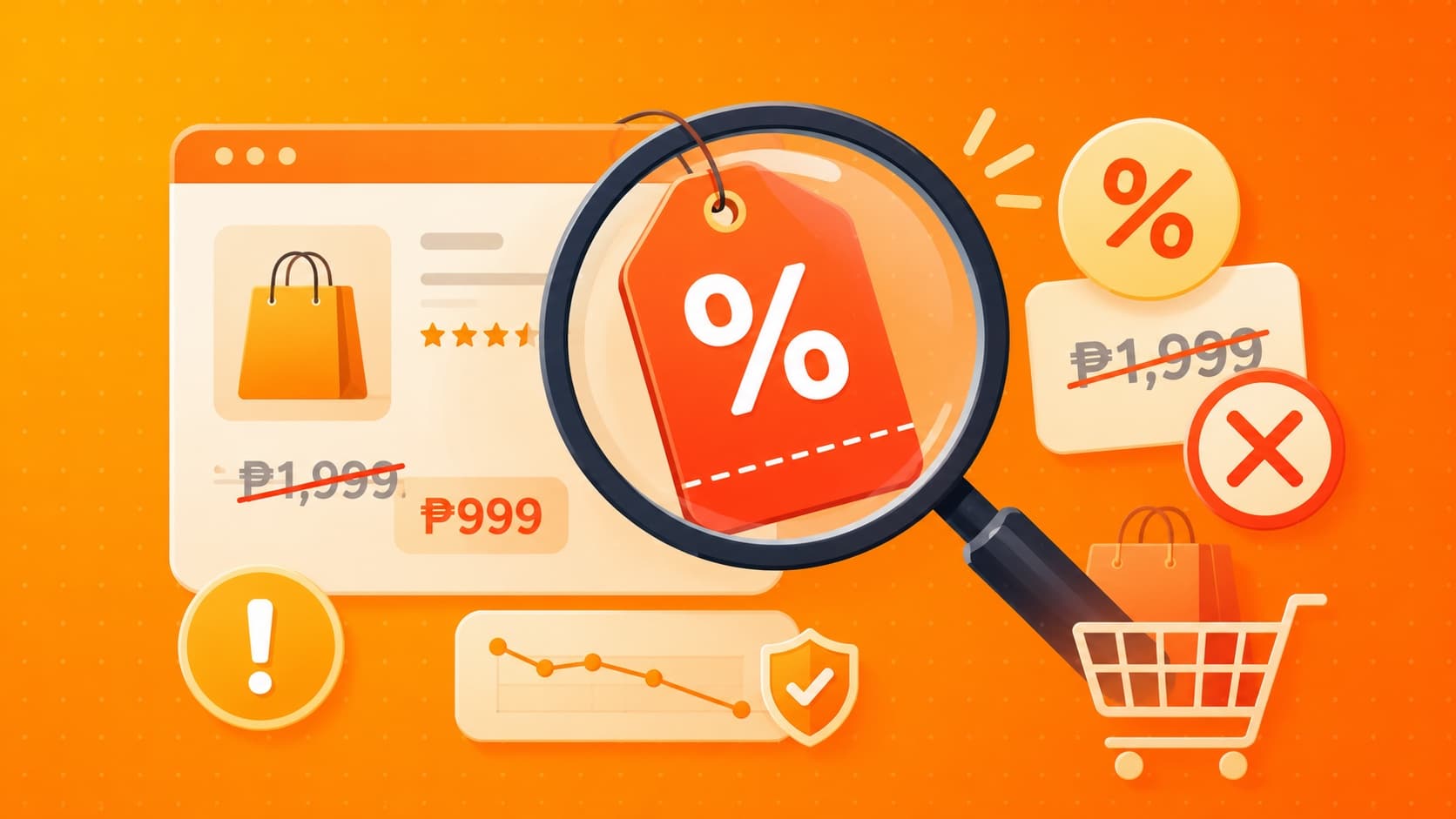
A big red discount badge does not guarantee a real saving. A product listed at ₱999 "down from ₱3,500" may never have sold at ₱3,500.
Judge the sale price against what similar products actually cost, not against the inflated "original" price next to it.
Our full guide on how to spot fake discounts breaks this down with examples.
Protect Your Payment and Data
- Use the platform's official checkout. Never pay outside the app or site via direct bank transfer to a seller for a marketplace order.
- Avoid sellers who ask you to move to a chat app to "complete payment", a common scam pattern.
- Watch for phishing. Legitimate stores will not ask for your password or full card details by message or email.
- Use payment methods with buyer protection where available.
Before scanning a seller-sent code, follow the fake QR payment checks and keep marketplace payment on-platform. Tell everyone who accepts deliveries at your address to use the unexpected COD parcel protocol before handing over cash.
Understand Shipping and Returns Before Paying
Confirm these before you confirm the order:
- The estimated delivery date (international orders like Temu can take 7–20 business days).
- The all-in total, including shipping and any import charges.
- The return and refund policy for that specific item.
For a deeper checklist, see our voucher, shipping, and return guide.
Red Flags to Walk Away From
Stop and reconsider if you see:
- Prices dramatically lower than every other seller for the same branded item.
- Pressure tactics like countdown timers or "only 1 left" urgency designed to rush you.
- No clear return policy, seller information, or customer support channel.
- Requests to pay by direct transfer outside the platform.
- Reviews that all sound identical or were posted on the same day.
What to Do If Something Goes Wrong
If an order arrives wrong, damaged, or never shows up:
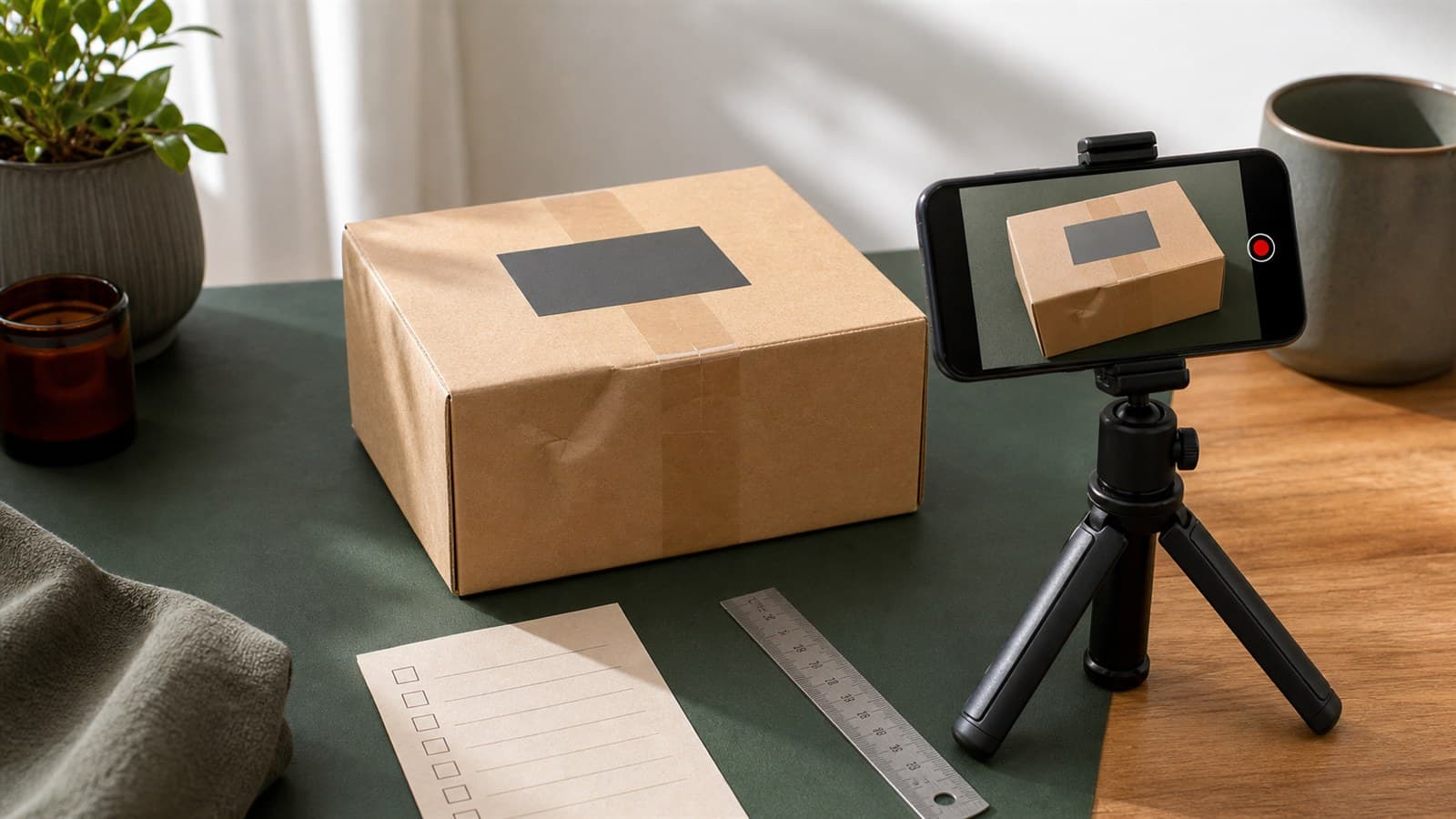
- Document everything, take photos on arrival and keep all order confirmations.
- Open a claim through the platform's official buyer protection or dispute process.
- File within the stated protection window.
- Escalate to the platform's customer support if the seller is unresponsive.
Buyer protection programs exist precisely for these cases, so use the official channels rather than negotiating off-platform.
Related on SulitScan
Learn how SulitScan checks deals before listing them, and read why final prices change at checkout. Browse current deals with buyer notes on every card.
Affiliate Disclosure
SulitScan may earn a commission when you click a partner link and complete a purchase, at no extra cost to you. We add buyer reminders to every deal, but always confirm price, availability, and return terms on the partner store before buying. See our full Affiliate Disclosure.
Tags
Get weekly sulit finds in your inbox
Shopping tips, price-check reminders, and the best deals, free.
More shopping guides
Explore SulitScan