How to Record Unboxing Evidence for Online Orders in the Philippines
About this guide
The SulitScan editorial team prepares buyer guides using desk-researched product information, primary guidance where available, and practical pre-purchase checks. We do not claim hands-on testing unless an article explicitly says a product was tested.
In this guide
An unboxing record can help show the condition of a parcel and item when it arrived, but requirements vary by platform, seller, claim type, and current policy. Video is optional supporting evidence, not a universal legal requirement. Before opening an order, read the platform's current return or dispute instructions so you know which photos, video, documents, and deadlines apply.
Start with the sealed parcel
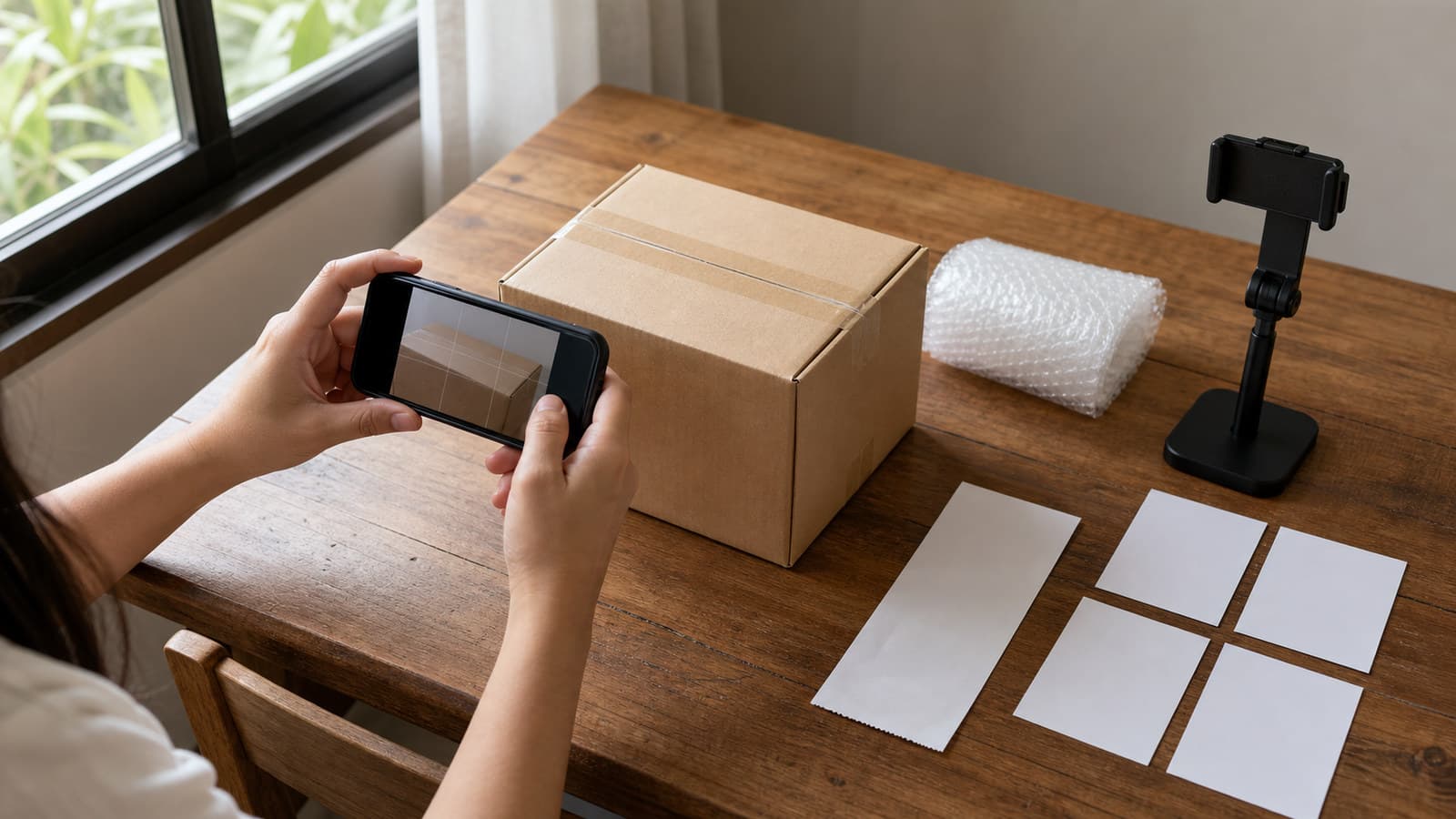
Before cutting tape, place the parcel in a well-lit area. Photograph all sides, visible dents, tears, wet areas, opened seams, and the shipping label. Keep the order page or receipt available so the product, quantity, and selected variation can be compared without exposing account credentials.
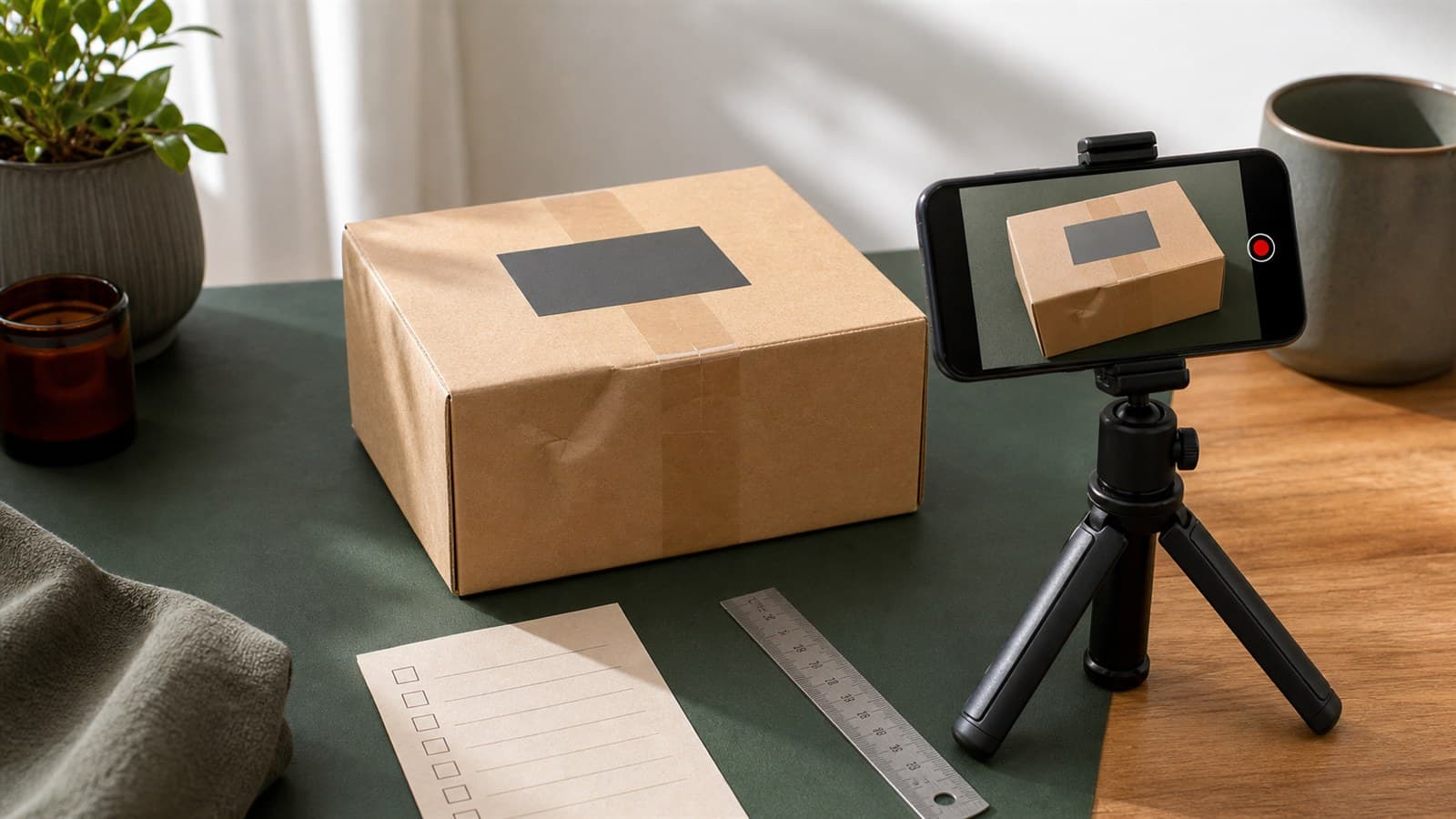
If you record video, begin with the parcel still sealed and keep the label briefly readable for your private claim file. Show each side, then open the package in frame without hiding the opening or contents. A continuous recording can make the sequence easier to follow, but use the exact format the platform currently requests rather than assuming one style is mandatory.
Show the contents in an evidence-preserving order
Remove items one at a time. Show the outer packaging, protective materials, seals, model or variation label, included parts, and quantity before discarding anything. Compare the item with the order details and listing description. Avoid testing, washing, assembling, charging, or removing protective film until you understand the return conditions for the problem you found.
Keep the parcel, inserts, tags, accessories, and receipts together. If the wrong item or quantity arrived, place the received contents beside the order page or packing information so the mismatch is clear.
Photograph defects and missing parts closely
Take one wider photo that identifies the whole item, then closer photos that show the damage, defect, seal issue, or missing component location. Include a ruler only when dimensions matter, and do not edit the image in a way that removes context. For an item that does not power on or function as described, follow safe maker instructions and record only the minimum test needed under the return policy.
Write short notes with the delivery time, opening time, exact issue, selected variation, and filenames. This makes it easier to upload the correct evidence instead of relying on memory.
File the claim through the current platform process
Open the order's return, refund, or dispute flow and choose the most accurate reason. Upload the requested evidence, describe observable facts, keep confirmation screens, and respond within the stated deadline. Do not exaggerate the issue or claim that a photo proves something it cannot show.
DTI-BPS says the Philippine e-commerce transaction standard covers post-purchase delivery, returns, refunds, exchanges, complaints, and dispute resolution, and calls for clear policies and mechanisms. See the official DTI-BPS e-commerce transaction guidance. The article does not make an unboxing video a universal requirement; the applicable platform process and consumer rules still need to be checked for the individual claim.
Our voucher, shipping, and return checklist helps you check deadlines and conditions before and after delivery.
Store evidence and protect privacy
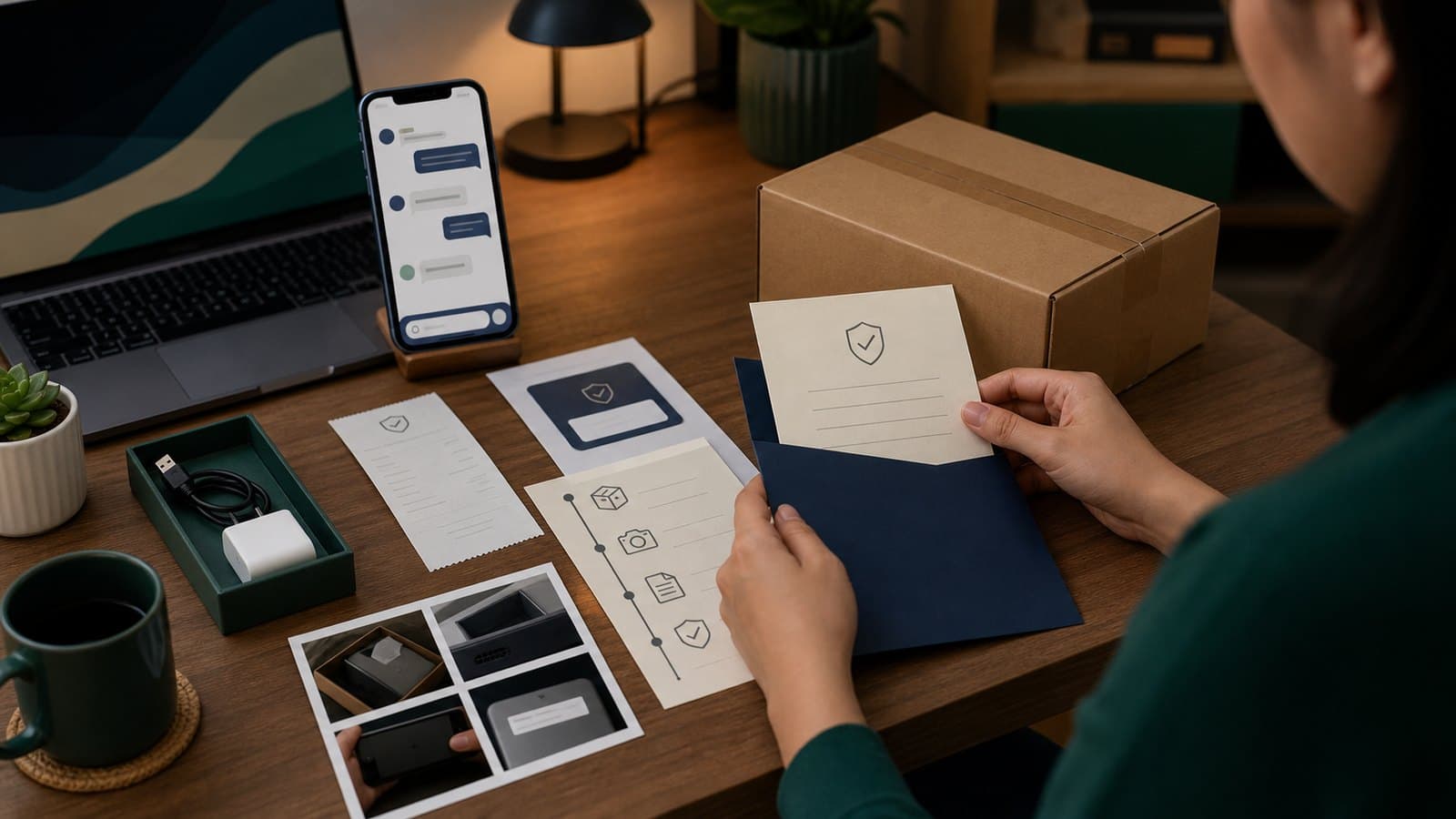
Keep original files until the claim and any appeal are closed. Do not compress, crop, or overwrite the only copy. Store the order reference, screenshots, photos, and video in a folder named with a neutral order identifier and date, then delete it securely when it is no longer needed.
Shipping labels can expose a name, address, phone number, tracking number, and barcodes. Share evidence only through the platform's official claim channel or another verified support route. Redact personal data before posting publicly, and never share one-time passwords, payment credentials, or account recovery information.
Evidence checklist
- Read the platform's current claim requirements and deadline.
- Photograph every side of the sealed parcel and visible damage.
- Record the opening sequence only if useful and permitted.
- Keep labels, packaging, seals, inserts, and accessories.
- Take wide and close photos of the exact issue or missing part.
- Submit factual notes and original files through the official claim route.
- Save confirmation screens and protect personal data.
Use our online shopping safety guide to avoid off-platform payment and support scams. For marketplace orders, the Shopee seller-check guide adds seller and listing checks before purchase. If an unexpected cash-on-delivery parcel appears, follow the COD household verification protocol before payment; do not open a parcel at the door when the carrier's current rule prohibits it.
Affiliate disclosure
SulitScan may earn a commission when you click a partner link and complete a purchase, at no extra cost to you. This guide is general information, not legal advice or a guarantee that a claim will succeed. Platform requirements and consumer processes can change. Confirm the current official instructions for your order and seek qualified help for a legal dispute. See our full Affiliate Disclosure.
Frequently asked questions
Is an unboxing video legally required for every online-shopping claim?
No. Video is optional supporting evidence, not a universal legal requirement. Requirements vary by platform and claim, so check the current official process for your order.
What should I photograph before opening a delivery?
Photograph every side of the sealed parcel, the private claim copy of its label, and any dent, tear, wet area, or opened seam before removing packaging.
How long should I keep unboxing evidence?
Keep the original files, order details, and claim confirmations until the claim and any appeal are closed, then delete personal data securely when it is no longer needed.
Tags
Get weekly sulit finds in your inbox
Shopping tips, price-check reminders, and the best deals, free.
More shopping guides
Explore SulitScan