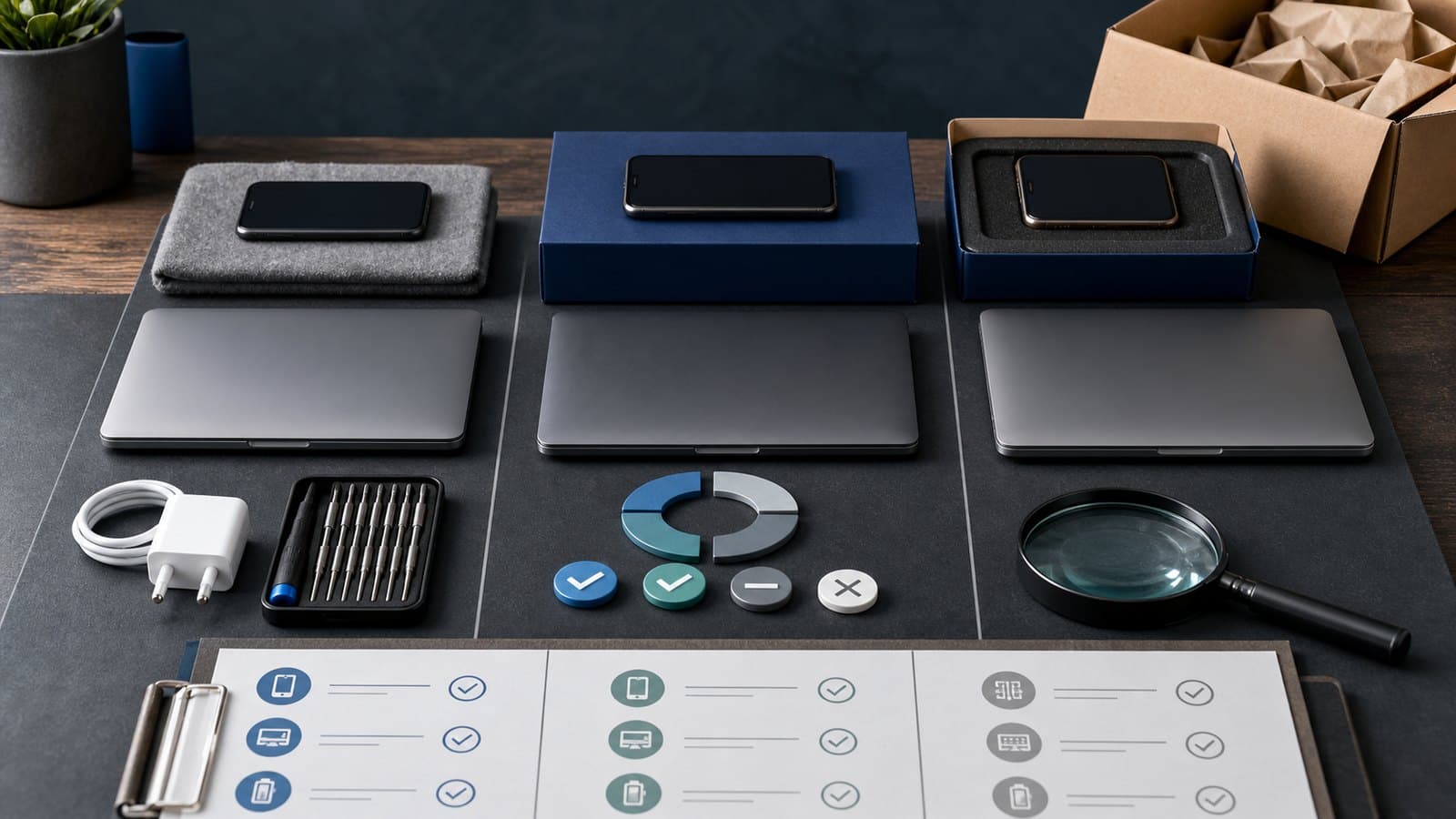
Refurbished vs Used vs Open-Box: PH Buyer Guide
About this guide
The SulitScan editorial team prepares buyer guides using desk-researched product information, primary guidance where available, and practical pre-purchase checks. We do not claim hands-on testing unless an article explicitly says a product was tested.
In this guide
- How we assessed this guide
- Understand what each label does not guarantee
- Build a unit-specific condition sheet
- Check battery, locks, and device identity
- Ask what refurbishment work was actually done
- Compare warranty and return protection separately
- Calculate the real saving
- Inspect and document immediately after delivery
- Refurbished-device decision checklist
- Affiliate disclosure
Refurbished, used, and open-box devices can save money, but the label alone does not tell you what work was done, which parts were replaced, or what happens if the item fails. Sellers may use the same condition word differently, so the practical question is not “Which label is best?” It is “What evidence and protection come with this exact unit?”
This guide focuses on phones, laptops, tablets, cameras, consoles, and small electronics sold online in the Philippines. The same framework can be adapted to other durable goods.
How we assessed this guide
We used the DTI-BPS summary of Philippine e-commerce transaction guidance, which emphasizes accurate product information, available guarantees or warranties, clear delivery details, and accessible refund and exchange policies: DTI-BPS e-commerce transaction guidelines.
Condition labels are not treated here as universal grades. SulitScan does not inspect individual units, certify refurbishment work, or verify a seller's parts. The checklist requires unit-specific evidence because that is what a buyer can preserve and compare.
Understand what each label does not guarantee
An open-box item generally suggests the packaging was opened or the item was returned, displayed, or inspected. It does not guarantee zero use, complete accessories, a full warranty, or perfect cosmetic condition.
A refurbished item suggests someone inspected, repaired, cleaned, tested, or restored it. The important missing details are who performed that work, which tests were run, which parts were replaced, and what warranty supports the result.
A used or pre-owned item indicates prior ownership or use. It may be excellent, but condition can vary from almost new to heavily worn. A “like new” grade is still a seller description until photos, diagnostics, and terms support it.
Ask the seller to define the grade in writing. Save that definition with the listing because marketplace copy can change after checkout.
Build a unit-specific condition sheet
Before comparing prices, record the exact brand, model number, storage or memory configuration, color, serial or service tag availability, and included accessories. Two listings with the same product name may have different processors, regional models, chargers, keyboard layouts, or network compatibility.
Request clear photos of the actual unit when the listing uses stock images. For higher-value devices, look for:
- Screen condition under a plain light background
- Corners, hinges, ports, camera lenses, and screws
- Keyboard, trackpad, buttons, and seals
- Charger label and cable condition
- Model number or service tag, with sensitive serial digits partly hidden in public messages
- Any repair, replacement, or liquid-contact history the seller knows
Do not post a full serial number publicly. Use the manufacturer's official support or warranty-check page where available, and avoid third-party sites that ask for unnecessary account credentials.
Check battery, locks, and device identity
Battery wear is one of the biggest differences between a new device and a pre-owned one. Ask for the operating system's battery-health or cycle information when available, but remember that screenshots can be outdated or manipulated. Your return window should be long enough to test real runtime and charging behavior.
Confirm that the device will be removed from previous-owner accounts and activation locks. A phone, tablet, laptop, or console that remains tied to another account can be unusable even if the hardware works. The seller should reset it through the manufacturer's normal process, not offer a workaround.
For mobile devices, check whether the model supports the networks, SIM type, eSIM features, and bands you need. For laptops, confirm the exact processor generation, RAM configuration, storage health, ports, charger wattage, and operating-system license status.
Ask what refurbishment work was actually done
“Professionally refurbished” is meaningful only when the seller identifies the process and stands behind it. Ask:
- Who inspected or repaired the unit?
- Which components were replaced, and are they original, compatible third-party, or unknown?
- What diagnostics were performed?
- Was data securely erased and the operating system reinstalled?
- Are water resistance or manufacturer seals affected?
- Is a written test report or grading checklist included?
A replaced screen, battery, keyboard, or storage drive is not automatically bad. The risk comes from unknown parts, unclear workmanship, and no practical remedy if the replacement fails.
Compare warranty and return protection separately
A return window lets you send an item back under stated conditions. A warranty covers specified faults for a stated period. They are not the same. Record who handles each one: the marketplace, the seller, a refurbishment company, or the original manufacturer.
Before paying, save:
- Warranty length, coverage, exclusions, and claim location
- Return window and whether change-of-mind returns are allowed
- Who pays return shipping
- Required packaging, accessories, seals, or diagnostic evidence
- Whether repair, replacement, store credit, or refund is the stated remedy
Use the online purchase warranty guide to prepare a claim evidence folder before a problem happens.
Calculate the real saving
Compare the pre-owned unit with a genuinely equivalent new model, not the old launch price. Include charger replacement, battery service, missing accessories, delivery insurance, possible repair time, and the value of a shorter warranty.
For a device shipped from overseas, include the delivered or landed cost rather than only the item price. ImportTaxPH can help estimate potential Philippine duties and taxes for planning; the final customs assessment, classification, courier fees, and exchange rate can differ.
A modest discount may not compensate for an uncertain battery and a seven-day seller warranty. A larger discount with a clear grading report, practical return window, and local support may be easier to justify.
Inspect and document immediately after delivery
Record the unopened parcel and the complete first inspection in one continuous sequence when practical, while following the platform's current evidence rules. Photograph the label, packaging, accessories, serial or service tag, and visible condition. Our unboxing evidence guide explains how to make useful evidence without claiming that video is a universal legal requirement.
During the return window, test charging, battery drain, display, speakers, microphone, cameras, ports, keyboard or buttons, Wi-Fi, Bluetooth, storage, and shutdown or restart behavior. Do not perform irreversible modifications or repairs until you know the return rules.
Then compare the delivered condition against the listing and review patterns using the online product review checklist.
Refurbished-device decision checklist
- I have the exact model, configuration, and actual-unit condition evidence.
- The seller defined the condition grade in writing.
- I know who refurbished or inspected it and what work was performed.
- Battery information and account-lock status are clear.
- Network, charger, keyboard, region, and accessory compatibility are confirmed.
- The return window gives enough time for meaningful testing.
- Warranty coverage, exclusions, claim location, and shipping responsibility are written.
- The total cost includes missing parts, likely service, shipping, and import costs.
- The saving is measured against a current equivalent product, not an old launch price.
- I will preserve the listing, chat, receipt, and delivery evidence.
Affiliate disclosure
SulitScan may earn a commission when you click an eligible partner link and complete a purchase, at no extra cost to you. We do not inspect, refurbish, certify, sell, or guarantee any device. Condition, battery readings, parts, locks, warranty, import treatment, prices, and seller policies must be verified for the exact unit. See our full Affiliate Disclosure.
Frequently asked questions
Is refurbished always safer than buying used?
No. The label is not enough. Compare who performed the work, the written test process, actual-unit condition, battery, return window, and enforceable warranty.
What is the most important check for an open-box device?
Verify the actual unit, complete accessories, account-lock status, battery or diagnostic information, and whether the return and warranty terms differ from a new unit.
How much cheaper should a pre-owned device be?
There is no universal percentage. Compare the delivered cost with a current equivalent new model and price the shorter warranty, wear, missing accessories, and likely service risk.
Tags
Get weekly sulit finds in your inbox
Shopping tips, price-check reminders, and the best deals, free.
More shopping guides


Explore SulitScan